Sending Crypto
Sending
- Open the Wallet tab and tap Send.
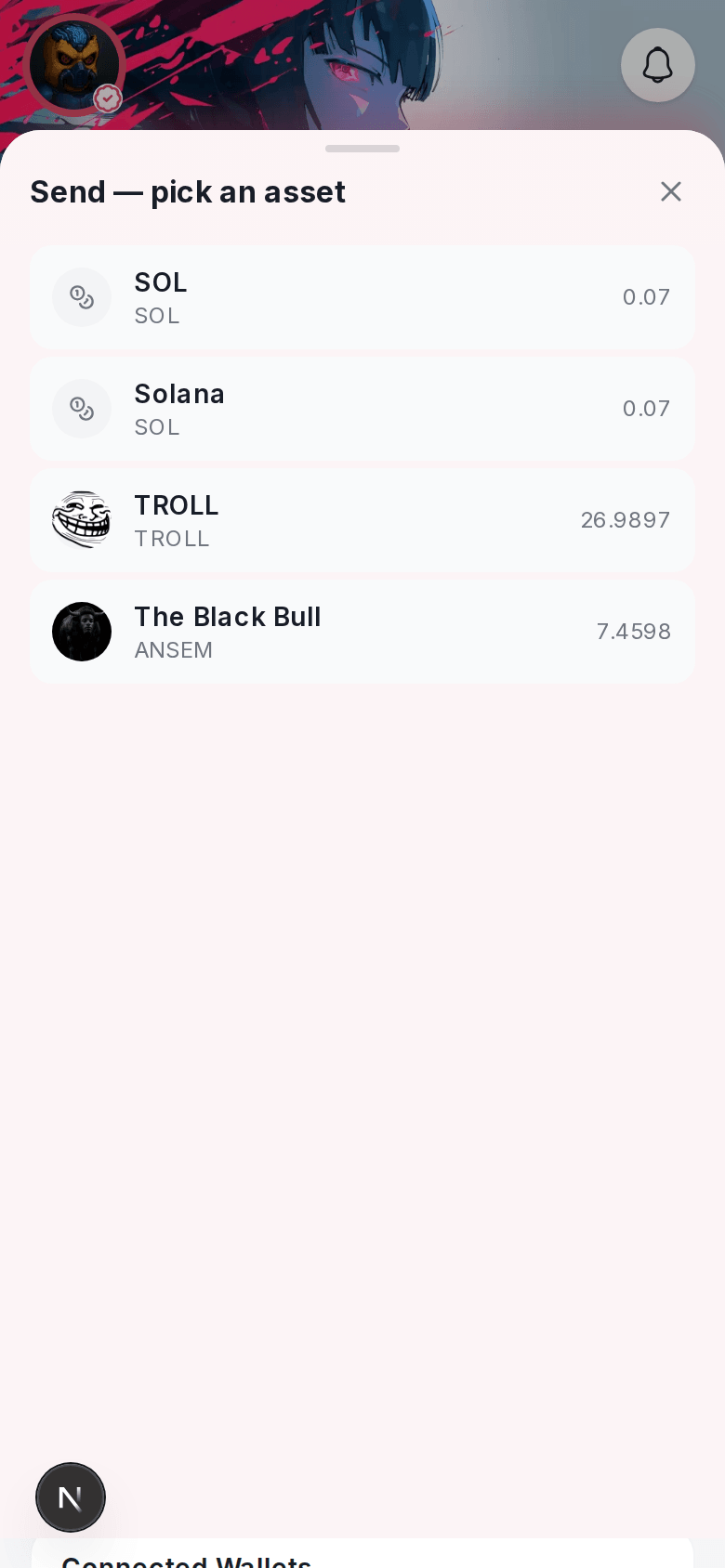
- Pick which token to send — your balance is shown per network, so choose the network first if you’re sending something other than the top asset.
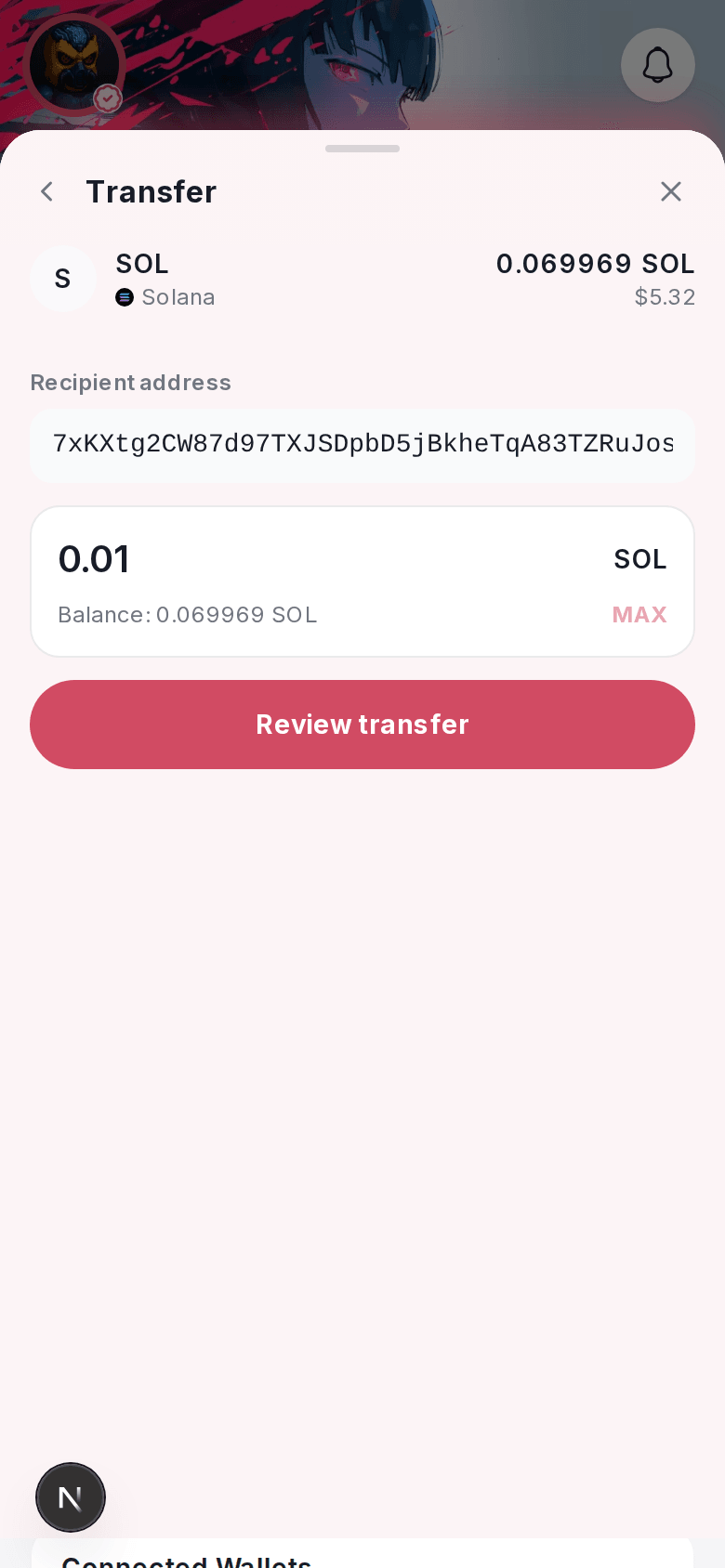
- Enter a recipient. You can paste a wallet address, or enter another Nuts user’s @handle if you’re sending to someone on Nuts.
- Enter an amount and review the summary — the token, amount, recipient, and network.
- Confirm to sign and send.
Nuts doesn’t take a cut of a send — you only pay the network’s own gas fee, same as sending from any wallet.
Supported networks
You can send on Solana and the EVM chains your wallet holds a balance on — Base, Ethereum, and the other networks listed in Wallet Overview. Make sure you’re sending on the same network the recipient expects; sending to the wrong network for a token can result in a lost transfer, same as with any crypto wallet.
After you send
The transfer shows up in your wallet’s Activity tab once it’s confirmed on-chain, along with your swaps and bridges.
On the web
Sending works the same way from the Wallet tab on the web app.