Swapping & Bridging
Swapping
Swap trades one token for another on the same network — for example, USDC for SOL on Solana, or ETH for USDC on Base.
- Open the Wallet tab and tap Swap.
- Pick the token you’re swapping from and the token you want.
- Review the quote — you’ll see the exchange rate, the platform fee, and a slippage setting (how much the price can move before the swap is cancelled; you can adjust it).
- Confirm to sign and send.
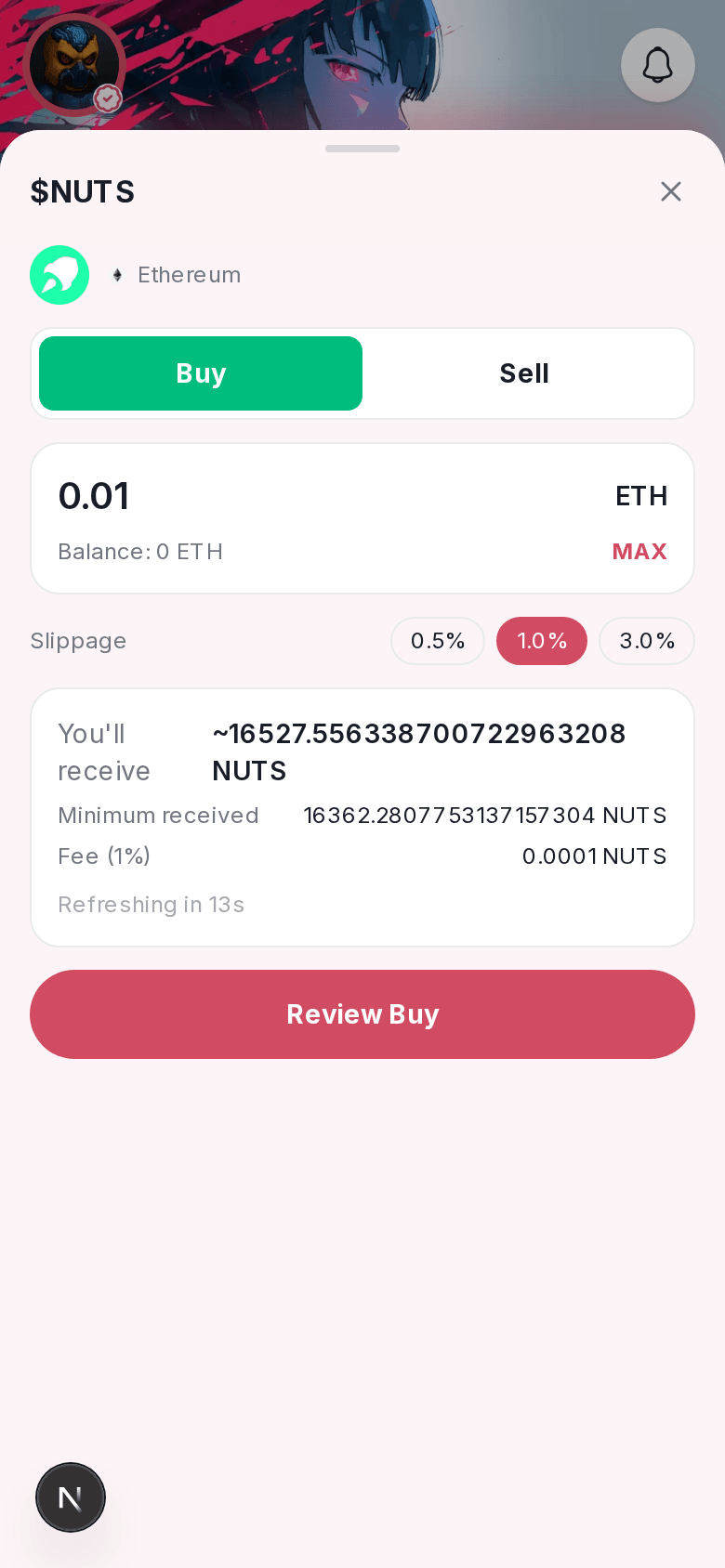
Solana swaps route through Jupiter; swaps on Base, Ethereum, and other EVM chains route through 0x. Either way, Nuts takes a 1% fee on the swap — this is shown on the confirm screen before you sign, never added silently.
Bridging
Bridge moves a token from one network to another — for example, USDC from Solana to Base.
- Open the Wallet tab and tap Bridge.
- Pick your source network and token, and the destination network.
- Review the quote — amount received, estimated fee, and estimated time — then confirm.
Bridging routes through LI.FI and is available in the Nuts app today.
On the web
Swapping works the same way on the web app. Bridging isn’t on the web app yet — it’s available in the Nuts app only.